Vector Logo File Setup for Embroidery — How to Prep Your Logo
A practical guide to prepping your logo for embroidery — what file formats work, what design elements break in stitch, and how to send the cleanest input to your digitizer.
Why Vector Matters
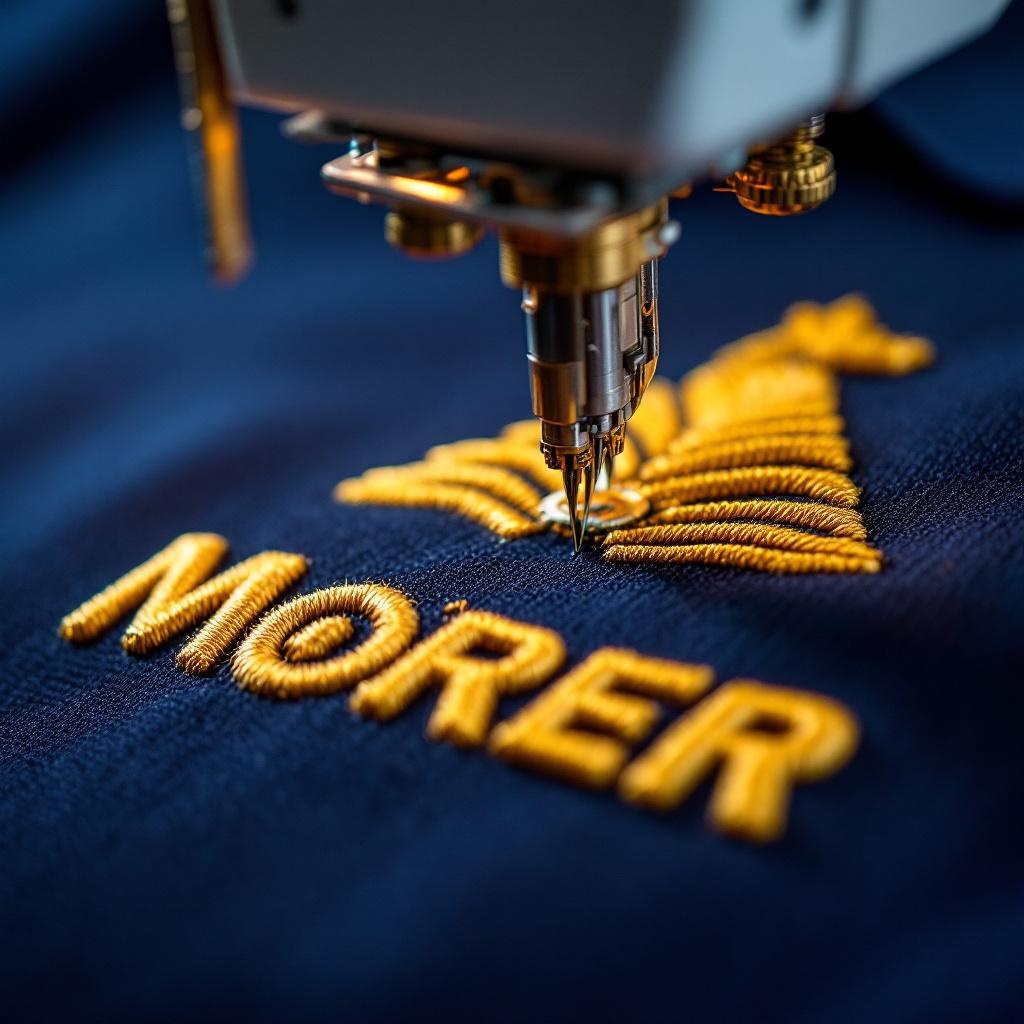
Embroidery starts with digitizing — converting your logo into a stitch file the embroidery machine can read. The digitizer needs the cleanest possible input. Vector files (built from mathematical paths) scale infinitely without losing crispness. Raster files (built from fixed pixels) lose quality when enlarged.
A low-resolution JPG may lack enough detail for clean digitizing. The production partner may request better artwork or quote redraw work. A usable vector file can reduce that preparation.
Acceptable File Formats
- .ai (Adobe Illustrator) — best input. Preserves layers, fonts, effects, swatches. Most digitizers prefer this.
- .eps — universal vector format. Cleanest cross-software compatibility.
- .pdf — works if the PDF was exported with vector elements (not flattened to raster).
- .svg — web-native vector. Works for most digitizers.
- .cdr (CorelDRAW) — accepted by some shops, but less universal.
- .jpg / .png / .tiff: raster formats. Acceptance and redraw needs depend on resolution, intended size, and the production workflow.
For deeper background see our piece on logo digitizing 101.
Design Elements That Break in Embroidery
Some logo elements that work great in print don't translate to thread:
Fine lines
Ask the digitizer to review fine lines on the exact artwork, size, garment, backing, machine, and placement. Any proposed adjustment should appear in the approved proof or sample.
Very small text
Text viability depends on the font, size, garment, backing, digitizing, machine, and placement. Approve the final treatment in the proof or sample.
Gradients and color blends
Gradients are continuous color blends that don't exist in solid-thread embroidery. The digitizer either approximates with banded thread color transitions (works but looks different from print) or simplifies to solid colors. Logos designed for print often need gradient simplification before embroidery.
Drop shadows, glows, transparencies
These visual effects exist in print/digital but don't translate to thread. Either remove them before sending the file, or accept that the digitizer will simplify or omit.
Logo Prep Checklist
- Find the original vector file. Whoever designed your logo should have an .ai or .eps source file. Track that down before sending a JPG.
- Convert text to outlines. In Illustrator: select text → Type → Create Outlines. This eliminates font availability issues on the digitizer's end.
- Review fine detail. Ask the digitizer which lines, text, and effects need adjustment for the exact artwork, size, garment, and machine.
- Review the color plan. Ask the production partner to confirm thread choices and color changes for the approved design.
- Include Pantone color references. Specify the exact PMS or Madeira/Robison-Anton thread colors you want matched.
- Specify intended size. "3.5 inches wide for left-chest" tells the digitizer to optimize density for that scale.
- Note any non-negotiables. If the brand mark MUST be a specific color or element MUST be visible, flag it explicitly.
What the Digitizer Does With Your File
Once you send the prepped vector file, the digitizer:
- Imports your vector into digitizing software (Wilcom, Pulse, Embird, etc.)
- Manually traces each element, deciding stitch direction, density, type (satin, fill, run)
- Sets stitch order — what gets stitched first, what stops/starts, color sequence
- Adjusts compensation for fabric pull (knit fabrics distort differently than wovens)
- Outputs a stitch file (.dst, .emb, .pes, .jef depending on machine)
- Provides the proof or sew-out step stated in the approved production workflow
Vector Files for Screen Printing
Screen printing needs vector artwork for a different reason. Each ink color gets its own screen, so the printer separates your logo into one film per color. Clean vector paths with solid spot colors, ideally with Pantone references, separate cleanly at any print size. A raster logo has to be redrawn or converted to halftones first, which adds prep and can soften fine edges.
Send the same .ai, .eps, .pdf, or .svg file with text converted to outlines and the intended print size noted. See our screen printing service for how Bighorn coordinates the proof and the run.
What Digitizing Costs
Digitizing fees depend on the logo and production partner. Color count, stitch count, fine detail, and redraw work can affect cost. Confirm file ownership, retention, reuse, and repeat-order fees in the quote.
For full pricing context see how much it costs to embroider a shirt.
Related Reading
Need embroidery in Las Vegas?
Send Bighorn Threads your vector logo, product, quantity, and deadline. We coordinate digitizing and decoration through selected production partners. Confirm file ownership and retention in your quote.
See Our Embroidery Service →