
Embroidery File Formats Explained: DST, EXP, JEF, PES
A working technical guide to embroidery stitch file formats — what each one does, which machines use them, and how to know your file is right.
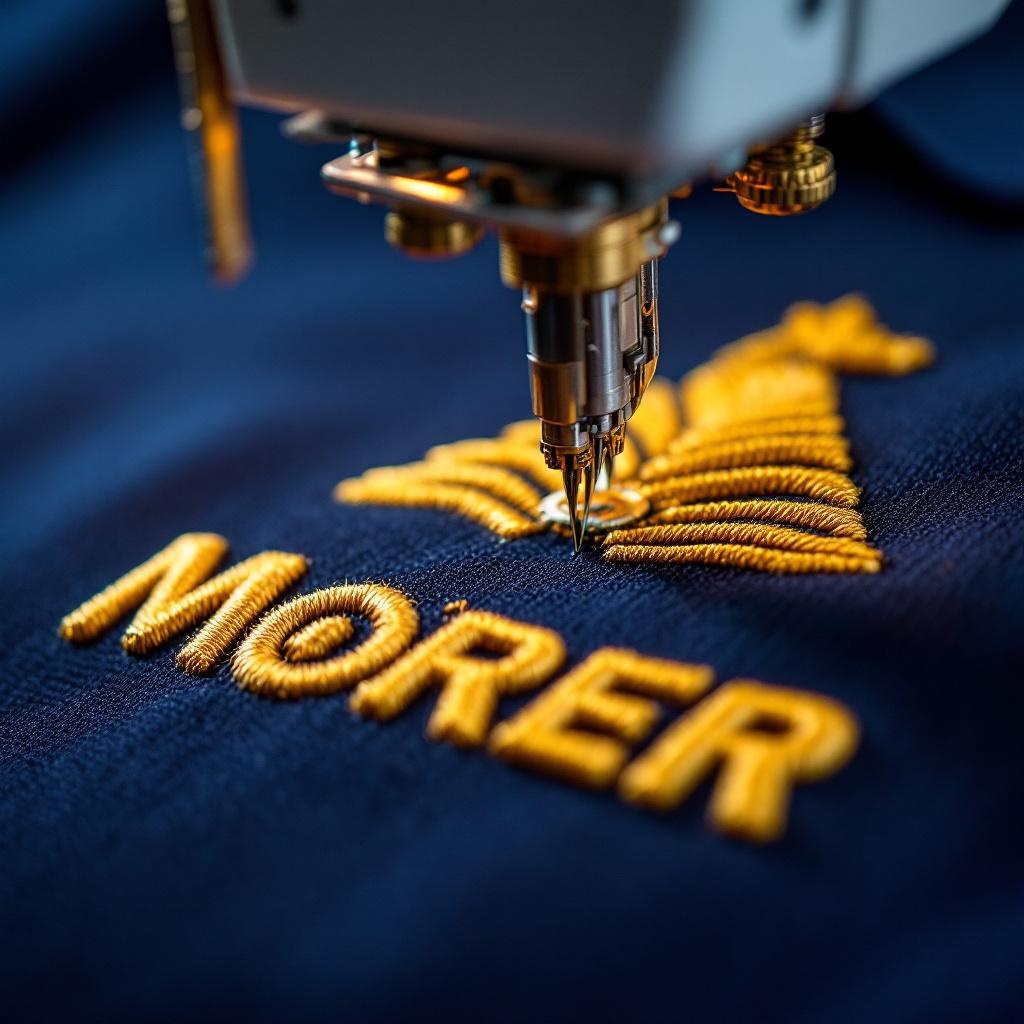
What an Embroidery Stitch File Actually Is
An embroidery machine doesn't see your logo. It sees a sequence of instructions:
- Move the needle to coordinate (X, Y).
- Drop the needle, lay a stitch.
- Move to next coordinate.
- At stitch #1,247, pause and wait for thread color change.
- At stitch #2,930, trim and jump to next location.
The stitch file contains production instructions. Stitch count and supported file formats depend on the exact design, software, machine, and production partner. Confirm the required format before approval.
For the upstream side — turning a logo into a stitch file in the first place — see our logo digitizing 101 guide.
DST: A Widely Supported Commercial Format
Format: Tajima Data Stitch (.dst)
Origin: Tajima — the dominant commercial embroidery machine maker.
What it stores: Stitch coordinates, stitch types (running, satin, fill), color change stops, jump stitches, trim commands.
What it doesn't store: Specific thread colors. DST stores "color stop" markers but the operator picks the actual thread.
Many commercial embroidery systems support DST natively or through conversion. Compatibility, commands, color handling, and output still depend on the software, machine, export, and operator review.
EXP — Melco Native
Format: Melco Expanded (.exp)
Origin: Melco — Denver-based commercial embroidery machine manufacturer.
What it stores: Everything DST does, plus more granular trim and color information specific to Melco's Acti-Feed thread tensioning system.
Melco's Amaya, EMT, and Bravo X commercial machines run native EXP. Most Melco shops also accept DST and convert. The difference in output between native EXP and converted DST on a Melco machine is small but noticeable on tight-tolerance work.
JEF — Janome Native
Format: Janome Embroidery Format (.jef)
Origin: Janome — Japanese sewing and embroidery machine maker.
What it stores: Stitch data plus specific color references mapped to Janome thread color codes.
JEF is the native format for Janome home and semi-commercial machines (MB-4, MB-7, Memory Craft series). Janome multi-needle setups in small commercial shops use JEF natively. Most don't accept DST without conversion.
PES — Brother Native
Format: Brother Embroidery System (.pes)
Origin: Brother and Babylock home embroidery lines.
What it stores: Stitch data plus thread color information mapped to Brother's color library.
PES is the most common home-embroidery format. Brother PE-series and Babylock machines are the dominant home-machine brands, so the format proliferated. Brother's PR-series commercial machines also accept PES, but most professional shops use DST for commercial production and PES only for home-machine work.
Format Quick-Reference Table
| Format | Native Brand | Stores Color? | Universal? |
|---|---|---|---|
| DST | Tajima | Color stops, not fixed thread colors | Widely supported |
| EXP | Melco | Yes (Melco palette) | Most commercial accept |
| JEF | Janome | Yes (Janome palette) | Janome only natively |
| PES | Brother / Babylock | Yes (Brother palette) | Brother + some commercial |
Other Formats You'll See
- EMB — Wilcom, the dominant digitizing software. EMB is the working/source format with full design data. Most shops digitize in EMB and export to DST for production.
- VP3 / VP4 — Husqvarna Viking / Pfaff home machines.
- XXX — Singer Futura.
- HUS — older Husqvarna Viking format.
- SEW — Janome legacy format, predecessor to JEF.
- VIP — older Viking format used on some Pfaff machines.
What to Send Your Shop
If your shop already digitized your logo, ask what format they kept. If you're sending a logo for first-time digitizing, send the highest-quality vector you have — see our vector logo file setup guide.
After digitizing:
- Request the agreed delivery files. Confirm format, version, access method, and machine compatibility in writing.
- Ask about the editable source. Source-file availability and portability depend on the software and partner agreement.
- Document every file term. Ownership, retention, access, delivery, reuse, changes, and repeat-order fees vary. Require a written agreement.
Related Reading
- Logo digitizing 101 for embroidery
- Vector logo file setup for embroidery
- What is embroidery — a buyer's guide
- How much does it cost to embroider a shirt
Embroidery digitizing in Las Vegas
Bighorn Threads coordinates logo digitizing and embroidery through selected production partners. Confirm format, ownership, retention, access, delivery, reuse, and repeat-order terms in writing.
Get a Quote →